
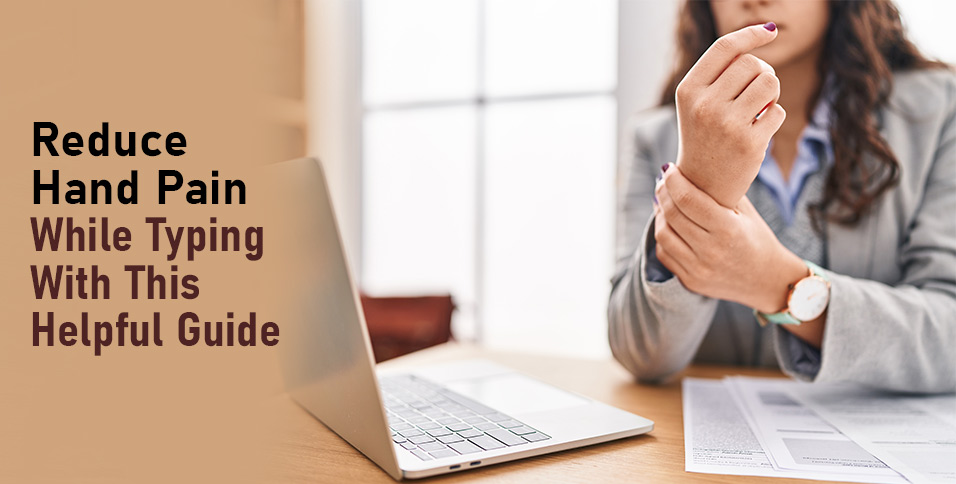
If you spend hours a day typing, hand pain can develop faster than you expect. What starts as mild discomfort can turn into stiffness, soreness, or even sharp pain in your fingers, wrists, or forearms. This is especially common among people who work at a computer full-time, play video games regularly, or use mobile devices throughout the day.
The good news is that typing-related hand pain is often preventable. In many cases, it comes down to small, repeatable habits and setup issues that are easy to correct once you know what to look for. Learn how simple changes, like using Copper Fit compression gear or adjusting your setup, can help you get relief.
Understanding the Causes of Hand Pain
Hand pain while typing is usually caused by repetitive strain. When you perform the same motion over and over without enough variation or rest, the muscles and tendons in your hands and wrists can become irritated.
Posture is also important. If your shoulders are hunched, your wrists are bent, or your forearms aren’t supported, you’re putting extra stress on your hands. Another common factor is poor equipment positioning. A keyboard that’s too high or too low can force your wrists into awkward angles, causing strain.
Finally, many people type with more force than necessary. Striking the keys hard adds unnecessary impact, increasing fatigue and discomfort over time.
Simple Adjustments
A few simple adjustments can make an immediate difference. Start by checking your wrist position. Your wrists should stay in a neutral, straight alignment rather than bent up, down, or sideways. Lightening your typing pressure can also help. Modern keyboards are designed for gentle keystrokes, so there’s no need to press hard.
Supportive tools can also reduce strain. Wrist rests and ergonomic keyboards are helpful, but you can also consider a compression wrist brace, which can support healthy circulation and provide light support during long typing sessions.
Fix Your Setup
Your workstation setup directly affects how much strain your hands experience. Ideally, your keyboard should be positioned so your elbows are at about a 90-degree angle and your forearms are parallel to the floor.
Keep your keyboard and mouse close enough that you don’t have to reach for them. Reaching forward or outward can create tension that travels up your wrists and into your hands. Your screen height also matters. If it’s too low, you may lean forward, which can affect your arm and wrist positioning.
If your current setup isn’t adjustable, raising your chair slightly or repositioning your keyboard can improve alignment. Over time, these adjustments can significantly reduce discomfort and help prevent ongoing pain.
Take Breaks Without Killing Your Productivity
Taking breaks is one of the most effective ways to reduce hand strain, but it doesn’t have to disrupt your workflow. Short, frequent pauses are more helpful than long, infrequent ones. Even 30 to 60 seconds every 20 to 30 minutes can give your muscles and tendons time to recover.
During these breaks, rest your hands, drop them to your sides, or gently stretch your fingers. These brief resets can reduce fatigue and help you maintain consistent performance throughout the day.
Try Easy Stretches
Simple hand and wrist stretches can relieve tension and improve flexibility. One effective stretch is the wrist flexor stretch. Extend one arm in front of you with your palm facing up, then gently pull your fingers back with your other hand until you feel a stretch in your forearm. Hold for 10–15 seconds and switch sides.
You can also stretch by extending your arm with your palm facing down and gently pressing your fingers downward. This targets the opposite side of the forearm. Another option is finger extensions. Spread your fingers wide, hold for a few seconds, then relax. Repeating this a few times helps counteract the constant gripping motion of typing.
Habits That Make a Big Difference Over Time
Long-term relief often comes from small, consistent changes. One of the most important is reducing unnecessary tension. Pay attention to how tightly you hold your mouse or how forcefully you type. A lighter touch reduces strain over time.
Try to keep your hands relaxed when you’re not actively typing. Resting them instead of hovering can prevent continuous muscle engagement. It’s also helpful to vary your movements throughout the day, rather than staying in one fixed position for hours.
Staying properly hydrated can support muscle function, and paying attention to early signs of discomfort lets you adjust before discomfort worsens. These habits may seem minor, but they add up over time.
Build Better Habits for Healthier Hands
Reducing hand pain while typing doesn’t require major changes. Most improvements come from simple adjustments to posture, habits, and daily routines.
By maintaining a proper setup, taking short breaks, and reducing unnecessary strain, you can protect your hands and improve comfort over time. Consistency is key, and small changes practiced regularly can make all the difference.