
Desk work looks gentle, but your wrists and hands perform thousands of small movements every hour.
Typing, clicking, scrolling, and holding a phone add up, and the strain often builds so gradually that people ignore it until it starts to hurt.
Wrist and hand discomfort is one of the most common complaints among office and remote workers. It can slow down your work, disturb your sleep, and in some cases lead to time off. The good news is that most of the risk factors are within your control.
These seven practical ways to reduce wrist and hand strain can be started today, and none of them needs special equipment.
1. Set Up Your Workstation for Neutral Wrists
Your setup decides how much stress your wrists take all day. The goal is a neutral wrist position, which means your hand stays in line with your forearm instead of bending up, down, or to the side.
- Keep your elbows close to your body at roughly 90 degrees.
- Place the keyboard and mouse at elbow height so your shoulders stay relaxed.
- Keep the mouse close to the keyboard to avoid reaching.
- Let your forearms hover or rest lightly on a support. Avoid pressing your wrists into a hard desk edge while typing.
- Position the screen at eye level so you are not craning forward and loading your arms.
Small changes, such as raising your chair or moving your mouse closer, often help within a few days.
2. Take Short, Regular Breaks
Muscles and tendons cope with repetition better when they get regular rest. Public guidance on repetitive strain injury recommends smaller, more frequent breaks from repetitive tasks over one long break.
Every 30 to 45 minutes, stop typing and use your hands for something else for a minute or two. Stand up, refill your water bottle, or look out of a window. If you lose track of time, use a timer or a break reminder app.
3. Lighten Your Touch and Vary Your Tasks
Many people type and click harder than they need to. Press keys gently, hold the mouse loosely, and avoid gripping your phone tightly for long periods.
A few habits reduce the load further:
- Learn keyboard shortcuts to cut down on repeated mouse clicks.
- Mix up your work so you are not typing for three hours straight. Alternate between calls, reading, planning, and writing.
- Use voice dictation for long drafts when it suits your work.
- Switch your mouse hand now and then to spread the workload, although this takes practice.
4. Stretch Your Wrists and Fingers During the Day
Gentle stretches take under a minute and can be done at your desk. Try these:
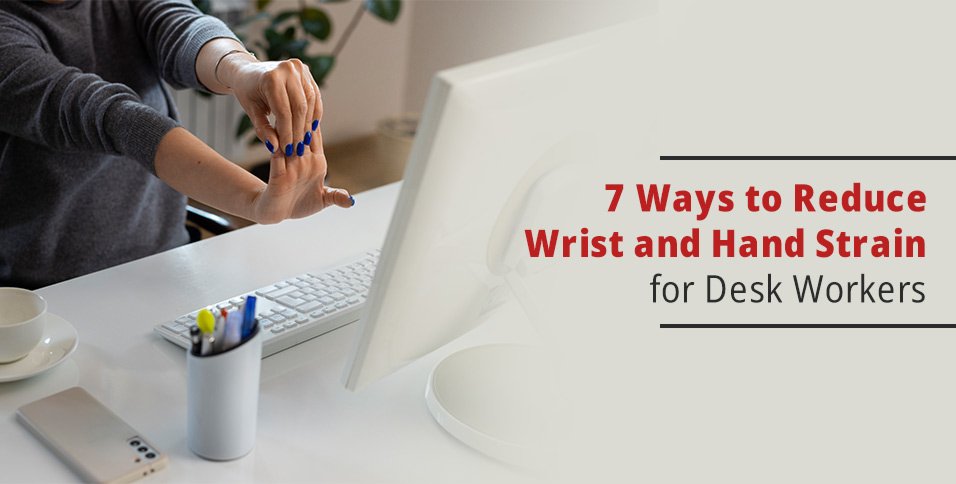
- Wrist flexor stretch: extend one arm palm up and gently pull the fingers down with the other hand for 15 to 20 seconds.
- Wrist extensor stretch: extend one arm palm down and gently pull the back of the hand toward you for 15 to 20 seconds.
- Finger spread: open your hand wide, hold for two seconds, then make a soft fist. Repeat 10 times.
- Wrist circles: make slow circles in each direction, 10 times.
Stretch to a mild pull, never to pain. If a stretch causes tingling or sharp discomfort, stop.
5. Build Wrist and Forearm Strength Gradually
Stronger muscles tolerate repetitive work better, and balance matters. Most desk tasks involve gripping and flexing, so the muscles that open the hand and extend the wrist often get less work than they should.
Light, controlled exercises such as wrist curls, reverse wrist curls, and resistance band finger extensions train both sides. Start with very light resistance, do 2 sets of 10 to 15 repetitions two or three times a week, and increase gradually.
Light tools such as grip rings, extensor bands, and entry-level grippers can support this work. A comparison of different types of hand grippers explains what each type trains, which makes it easier to pick a gentle option instead of overdoing it. If you already have pain, speak to a clinician before starting.
6. Check Your Posture and Keep Your Hands Warm
Wrist and hand strain does not always start in the wrist. Rounded shoulders and a forward head position change how your arms hang, and that changes the angle your wrists work at. Sit with your back supported, shoulders relaxed, and feet flat on the floor.
Temperature matters too. Cold is listed among the factors that can raise the risk of repetitive strain and make symptoms worse, so keep your workspace comfortably warm and consider fingerless gloves if your office runs cold.
For a wider look at how posture and movement habits affect bones and joints, see this coverage of orthopaedic care.
7. Know When to Get Help
Mild stiffness after a long day is common. Pain, numbness, tingling, weakness, or swelling that keeps coming back, or that wakes you at night, is not something to push through.
Speak to your employer or occupational health team, and see a doctor or physiotherapist for an assessment. Treatment often starts with changing the task or setup that causes the symptoms, so acting early is easier than waiting. Employers can help too by offering workstation assessments, adjustable equipment, and clear break guidance, since healthier teams tend to be more productive.
Final Thoughts
You do not need to overhaul your workday to protect your hands. A better setup, regular breaks, a lighter touch, daily stretches, gradual strengthening, good posture, and early help when symptoms appear add up to a much lower risk.
Start with two or three of these ways this week, add the rest over time, and your wrists will thank you at the end of the workday.